


Last news
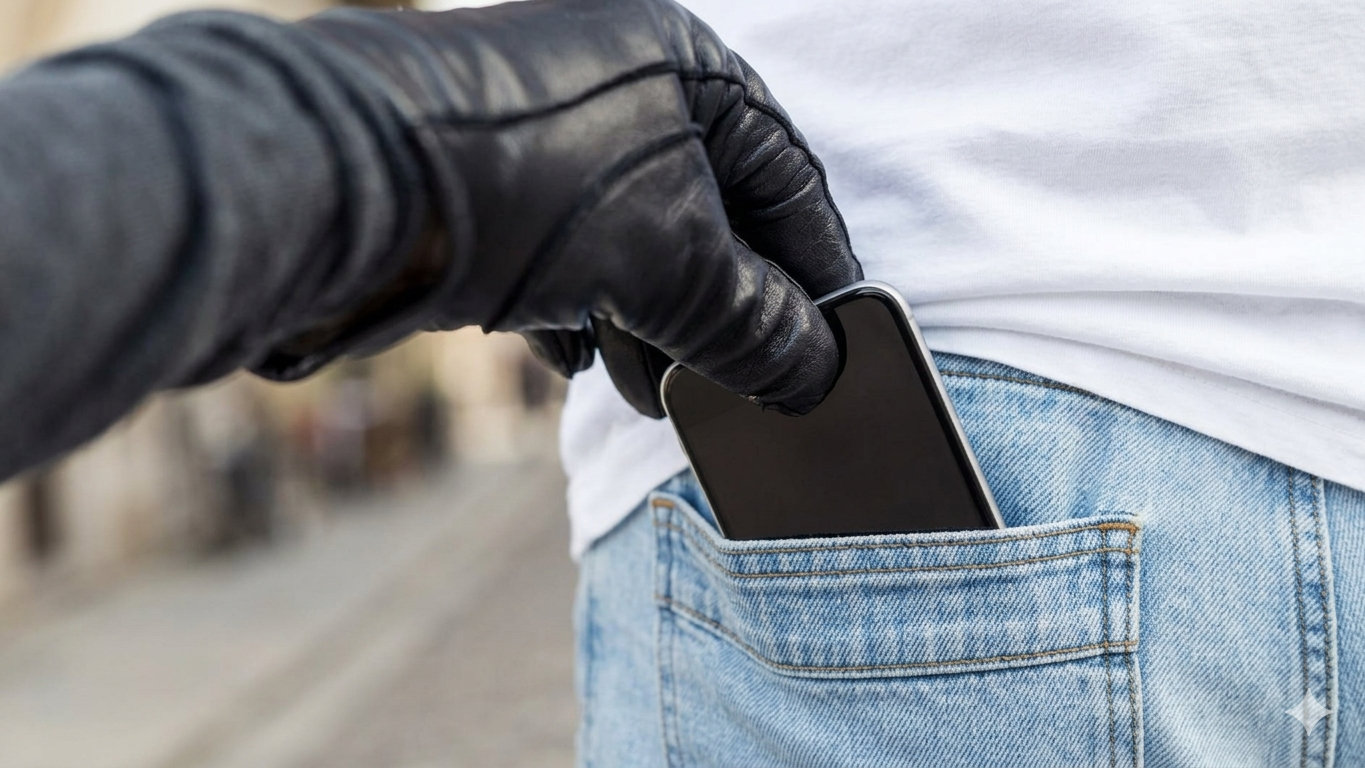
Customer guide for O! + O!Bank: What to do if your smartphone is stolen?
First-aid checklist.
In 2026, a smartphone is no longer just an expensive device – it is the key to your digital identity. It integrates banking apps, government services, and your entire private life, which is why it is critically important to protect your personal data. In the event of phone theft, proper action can significantly minimize potential damage.
It is important to understand that data security is a shared responsibility between the user, the mobile operator, the bank, and authorized government bodies. However, the level of protection and the effectiveness of response mechanisms largely depend on the user’s preparedness and speed of response action after the theft.
To ensure you do not waste precious time in a critical situation, follow this step-by-step action plan.
1. Number recovery
Your phone number is the key to two-factor authentication for most services. To prevent an intruder from accessing your SMS verification codes:
immediately visit any O!Store branch with your passport to restore your number;
Contact O! 24/7 customer support via WhatsApp: wa.me/996700000999 or Telegram: t.me/+996700000999.
Important: Restoring your SIM card does not automatically log you out of messaging apps (WhatsApp, Telegram). This must be done separately. Once you regain access to your account on a new device with the restored SIM, you must terminate the session on the stolen phone.
2. Security of your funds with O!Bank
Ask the O!Bank support operator via WhatsApp: wa.me/996700000999 or Telegram: t.me/+996700000999 to block access to O!Bank. This will prevent any attempts to withdraw funds through the app.
3. Remote device control (Android and iOS)
If the mobile internet has not been disabled by the attacker, you may still be able to protect your data remotely:
for Android, go to google.com/android/find.
for iPhone, go to icloud.com/find.
Enable Lost Mode (with a contact number displayed on the screen) or choose “Erase device” if you believe the phone cannot be recovered. However, note that after a full wipe, the Find My function will stop working, and the ability to locate the device will be permanently lost.
4. Messaging apps and social media
The attacker may try to deceive your contacts by sending requests for help. Open Telegram/WhatsApp from another device and select “Terminate all other sessions.” This will immediately revoke the attacker’s access to your messages.
5. Official report to the police department
Find the phone box containing the IMEI code and visit your nearest police office to file a report.
How to protect yourself in advance – do this today:
Strong screen protection: Biometrics (face/fingerprint) do not replace a password. Avoid PINs like “0000” or “1234.” Use a complex pattern or a long numeric passcode.
Two-factor authentication: Enable it in all apps. Use not only SMS but also authenticator apps.
Backup contacts: Always add a backup email and a trusted person’s phone number in your account settings. This helps with quick account recovery.
SIM card PIN: Set a strong PIN (not 1234) to prevent your SIM from being used in another phone to intercept access codes.
Data hygiene: Never store passport photos, ID cards, or other sensitive documents in your phone gallery in unprotected form. Use secure folders with separate passwords.
First-aid checklist for O! subscribers and O!Bank clients:
Visit O!Store with passport to restore number.
Contact O!Bank support (WhatsApp/Telegram) – block access to O!Bank.
Change Google/Apple ID password.
Terminate sessions in Telegram/WhatsApp and other messengers.
Activate Lost Mode via device tracking services.
Inform close contacts.
KR SCITC SCA Licenses: NUR Telecom LLC: #16-0062-КР, #16-0063-КР dd. 06.12.2016.
O!Bank OJSC. NBKR License #044 dd. 17.09.2024.

O! expands 4G LTE nationwide: Even more speed and coverage

Be the first: Massive 50% discounts at O!Store on gadgets, accessories, and backpacks!
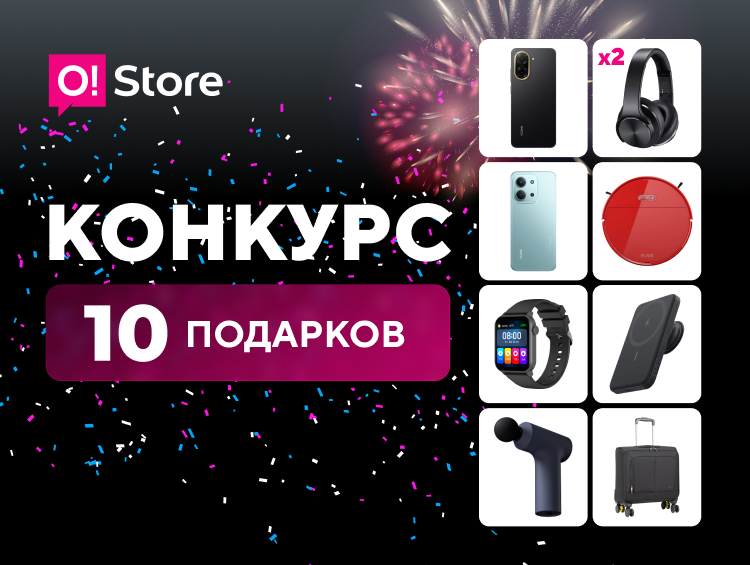
O!Store retail chain turns 10: A major anniversary and 10 exciting gifts!
.png)
Update by the O! Mobile operator

Bishkek welcomes a new green space thanks to the O! team
All news